SINGLE LOOK · LOOK 09
Vapor
Soft cloud-filtered luminance that turns overcast wedding days into radiant editorial galleries with pure bridal whites.
Soft cloud-filtered luminance that turns overcast wedding days into radiant editorial galleries with pure bridal whites.. Calibrated for Mountain weddings, cloudy ceremonies, and garden venues. Adapted from Monolith (Solo Studio License Only · Buy 3 Get 4th Free).
Save with Johneiko Atelier Pass — $15/year
Test in Engine →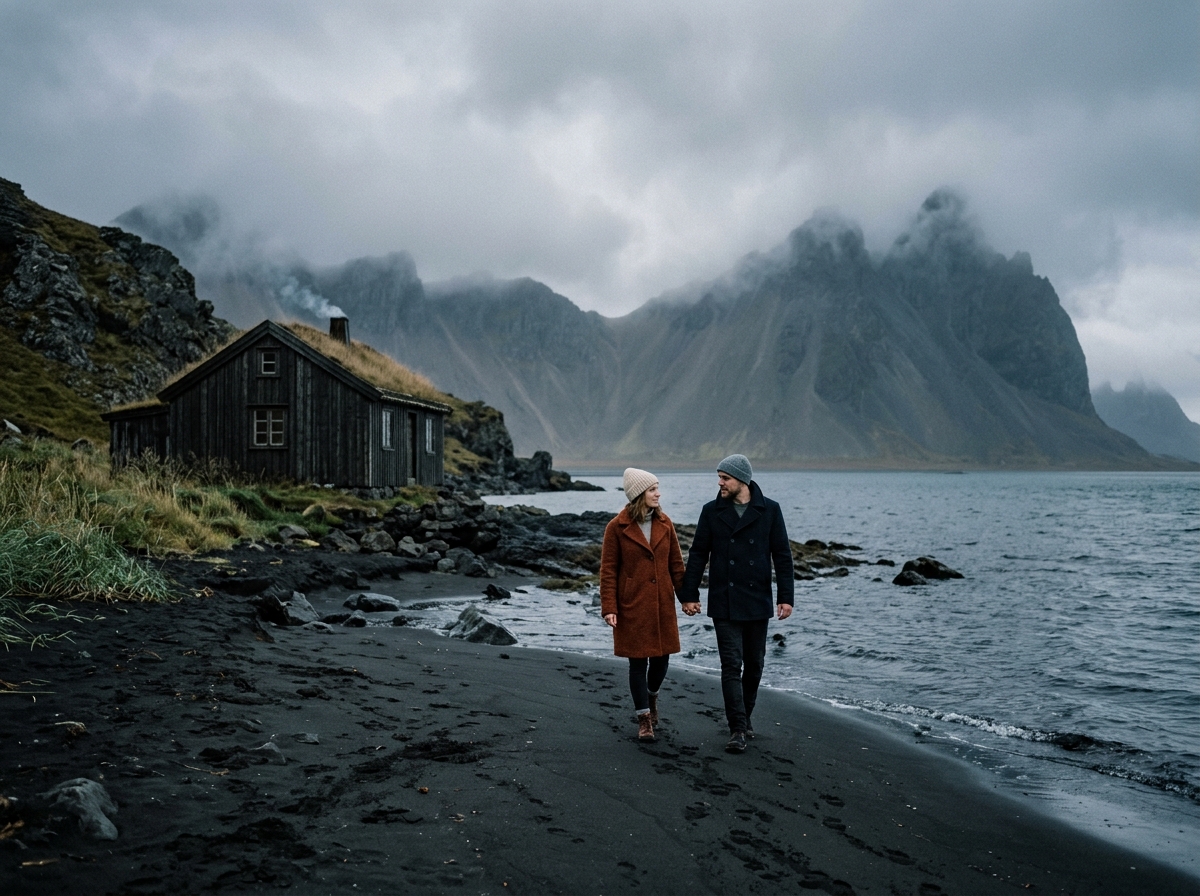
Vapor
- LOOK 09 · Vapor
- 0–200% Profile Amount Slider
- Solo Studio License (1 Seat)
Built on custom 3D Adobe Creative Profiles that sit beneath your Develop sliders with an adjustable 0–200% Amount control, keeping highlights organic and skin tones natural across every camera sensor.
Integrates seamlessly with Adobe Lightroom Adaptive Subject, Sky, and Portrait masking so lighting and color enhancements adapt intelligently to every frame.
Every purchase includes lifetime free compatibility updates accessible anytime inside your Johneiko Visuals Account Downloads Portal.
Compatible with Adobe Lightroom Classic (v13+), Lightroom CC Desktop, Lightroom Mobile (synced via Adobe Creative Cloud), and Photoshop Camera Raw (ACR).
VAPOR · PRESET EXAMPLES
Hover to preview before & after
Tap to preview before & after
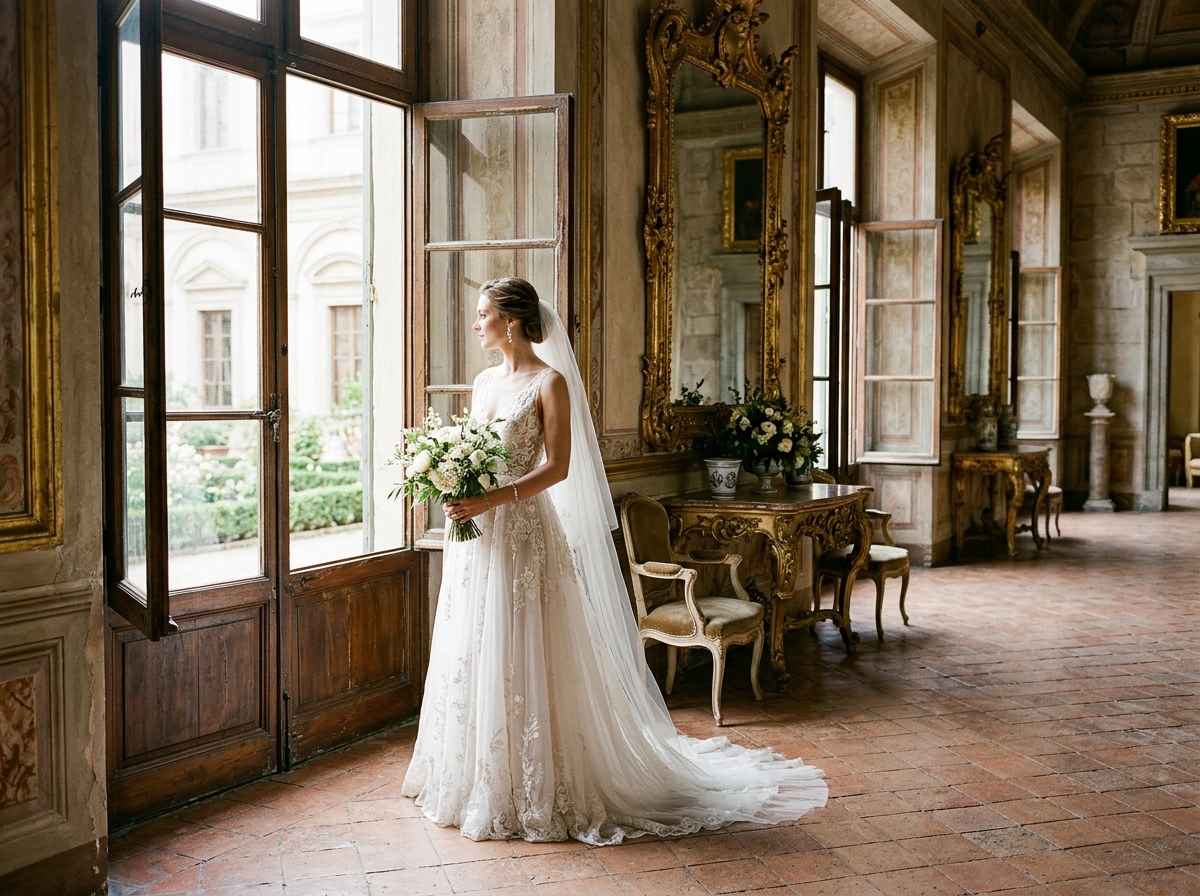
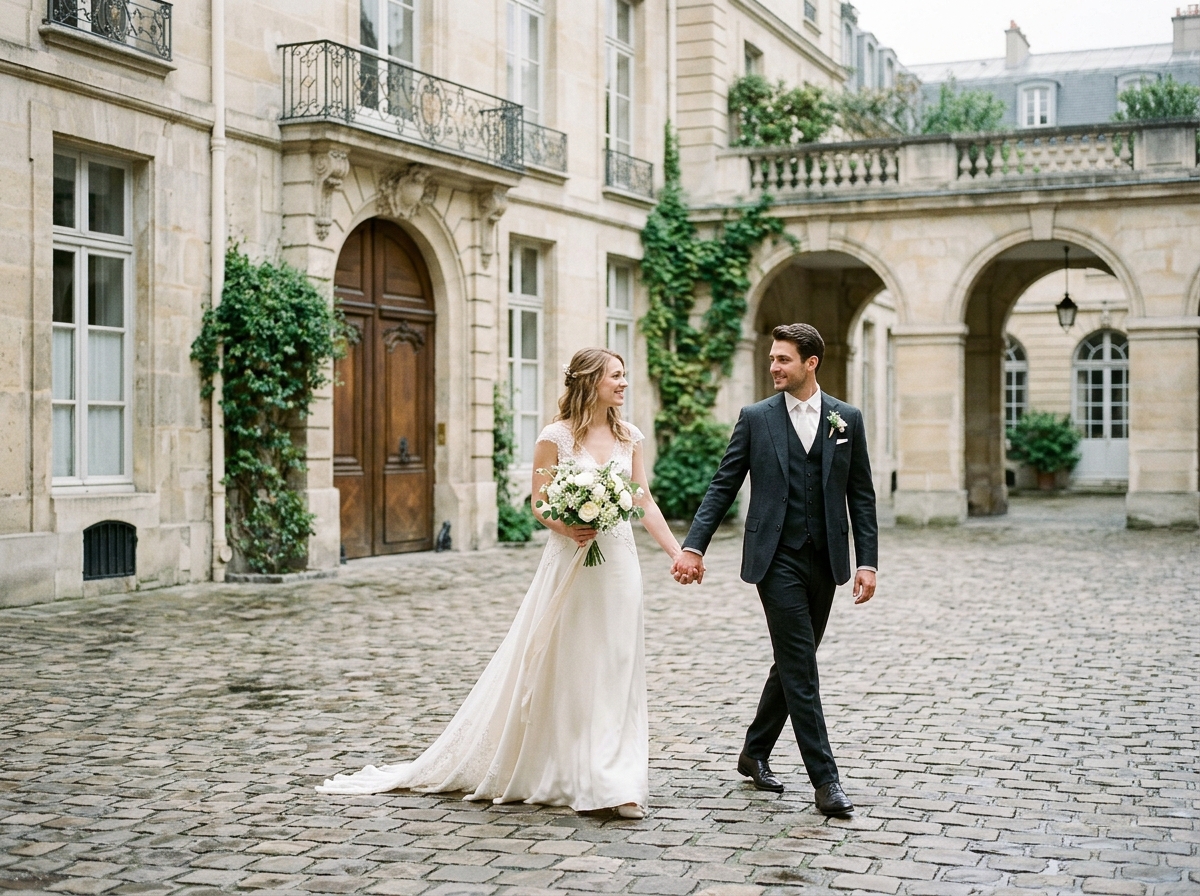
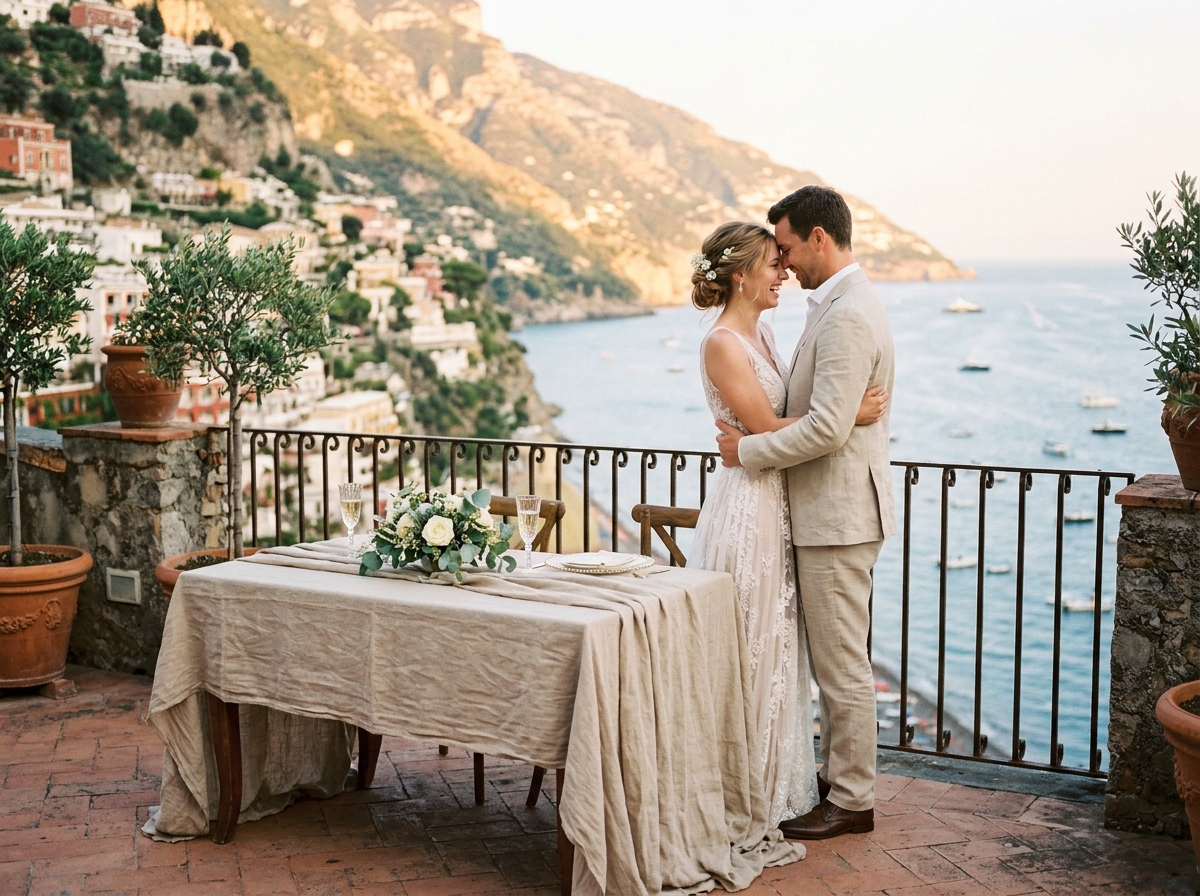
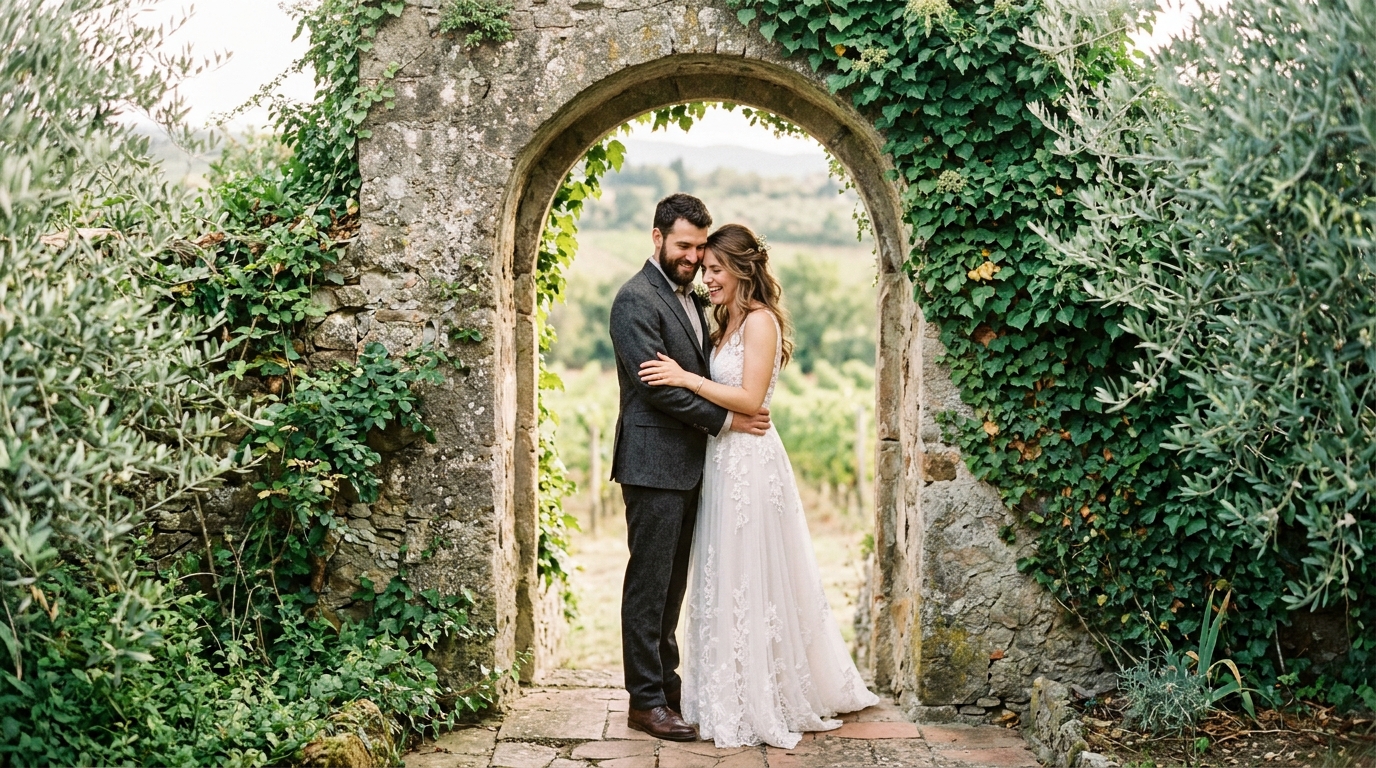
Signature Tonal Study
Soft cloud-filtered luminance that turns overcast wedding days into radiant editorial galleries with pure bridal whites. — engineered specifically for Mountain weddings, cloudy ceremonies, and garden venues.
Vapor
Complete Editing Walkthrough & Grade Breakdown
FREQUENTLY ASKED QUESTIONS
Vapor - FAQ
Ready to edit with Vapor?
Soft cloud-filtered luminance that turns overcast wedding days into radiant editorial galleries with pure bridal whites. Instant digital download with lifetime free updates.